Virtual Piano
Puzzle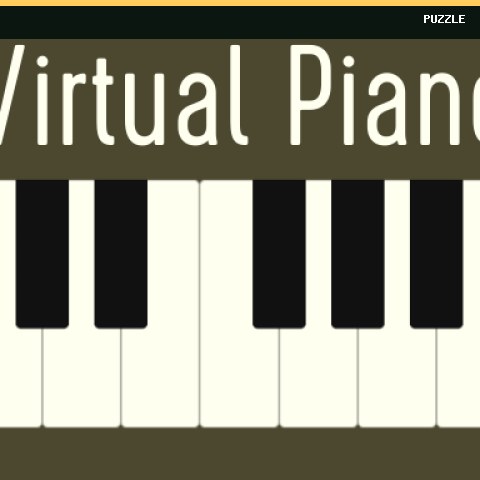
About Virtual Piano
Developer: Almanac Group
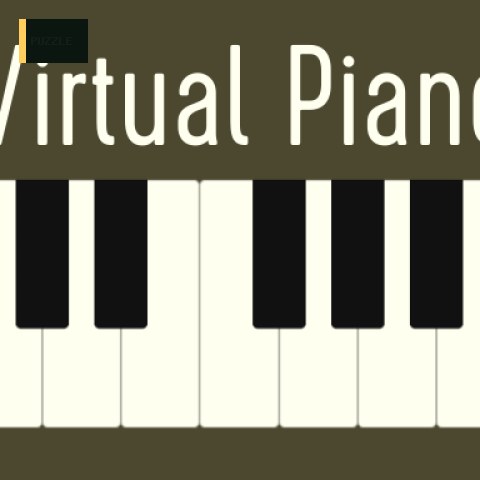
Virtual Piano is an online piano keyboard rather than a game with a score. Keys appear on the screen and you press them to hear piano notes, so you can pick out tunes or experiment with chords.
Browser pianos like this one are popular for learning melodies and trying out songs. A comparable Virtual Online Piano listing describes a full-sized keyboard with realistic sound, a chord assist option, fullscreen mode and support for phones and tablets. Because there are no levels or time limits, you set your own goal: reproduce a familiar tune, learn where the notes sit, or just play for fun.
How to play Virtual Piano
There is nothing to unlock and nothing to lose. Open the keyboard, press keys and listen.
- Click a key with the mouse or tap it on a touch screen to play the note.
- Use fullscreen if the keyboard feels small, especially on a phone held sideways.
- Press several keys together to hear chords.
- Check the on-screen options for any chord or note labels your version provides.
Tips for Virtual Piano
- Find the pattern of two and three black keys; it tells you where each C and F sit on the keyboard.
- Learn a one-finger melody first, such as a simple nursery tune, before attempting chords.
- Play slowly and evenly; timing consistency matters more than speed when learning a tune.
- Use headphones or a quiet room if you are trying to hear the difference between nearby notes.
- Switch to landscape on mobile so that keys are wide enough to press accurately.
Reviewed by the LUCKY TRY team on