Arkadium's Classic Solitaire
Card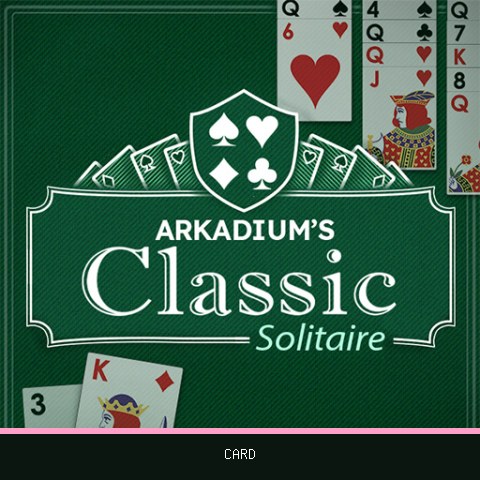
About Arkadium's Classic Solitaire
Developer: Arkadium
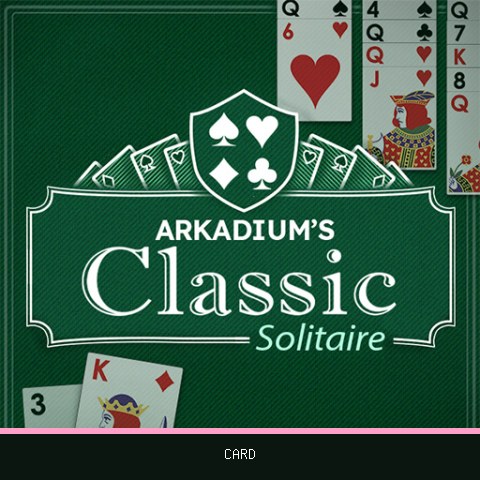
Arkadium's Classic Solitaire is a version of standard solitaire in which you move every card to the four foundations in the top right of the screen. The rules follow regular Klondike, so the game will feel familiar if you have played it before.
At the start you choose between Draw 1 and Draw 3. The page describes Draw 3 as the more challenging option and Draw 1 as the better choice for beginners. The game also includes a save-game feature, a leaderboard and a full-screen mode, and it can be played without signing up.
How to play Arkadium's Classic Solitaire
Moves are made by dragging or clicking, and you see the whole game on one screen.
- Click a face-down card to reveal it.
- Drag a card onto one of the opposite colour and one rank higher, for example an 8 onto a 9. Aces are lowest, kings highest.
- Click the deck in the upper left to draw cards.
- Drag or double-click an Ace to send it to a foundation, then build each foundation up by suit to King.
- Move Kings into empty stacks.
Tips for Arkadium's Classic Solitaire
- Pick Draw 1 first if you are learning, then switch to Draw 3 when you want a harder game.
- Expose the face-down cards in the stacks with the most hidden cards early on.
- Double-click cards to send them to the foundations quickly, but keep low cards on the tableau when they could help you.
- Save the game if you want to return to a tricky position later.
- Open the leaderboard to see how your results compare.
Arkadium's Classic Solitaire was developed by Arkadium.
Reviewed by the LUCKY TRY team on